
Accept payments with Stripe
Stripe lets your customers pay by card when they book. You need your own Stripe account, which you can create while connecting. Stripe pays out to your bank account.
Connect Stripe
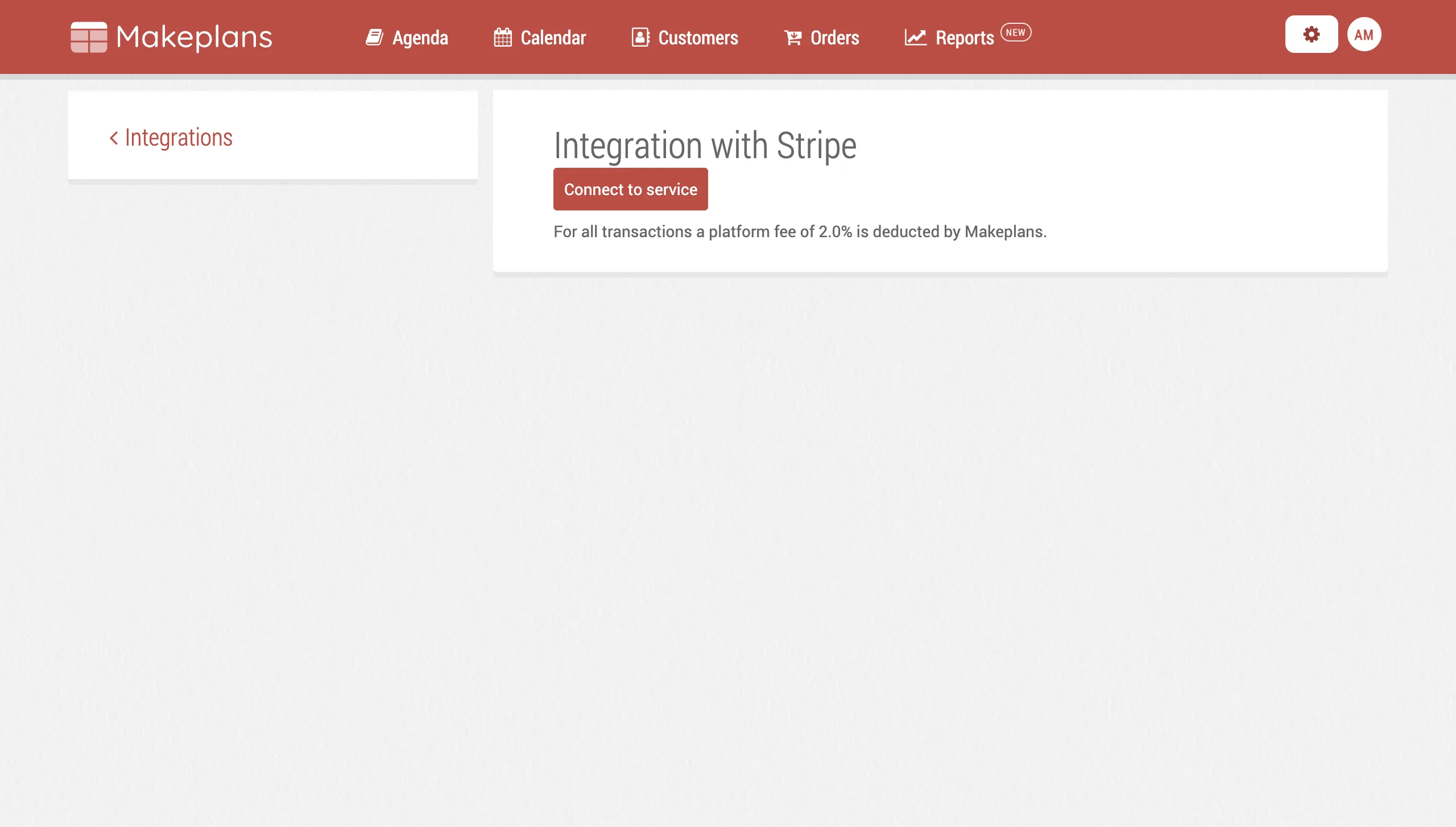
- Open setup and select Integrations, then Stripe.
- Select Connect to service. This takes you to Stripe.
- Log in to Stripe, or create an account, and allow MakePlans to access it.
- You are sent back to MakePlans. Choose the MakePlans account to connect.
Require payment for a service or event
- Edit the service, or the event.
- Enter a price.
- Tick Pre-payment required.
- Save.
Customers must now pay by card to complete a reservation for it.
What it costs
Stripe charges its own fee for each transaction. MakePlans charges a platform fee of 2% in addition. See Fees, refunds and no-shows.
Test it
Make a reservation yourself on the booking site and pay with a real card for a small amount. Then refund it from the reservation.