
Design: themes, logo and CSS
Open setup and select Booking site, then Design. Select Save after each change.
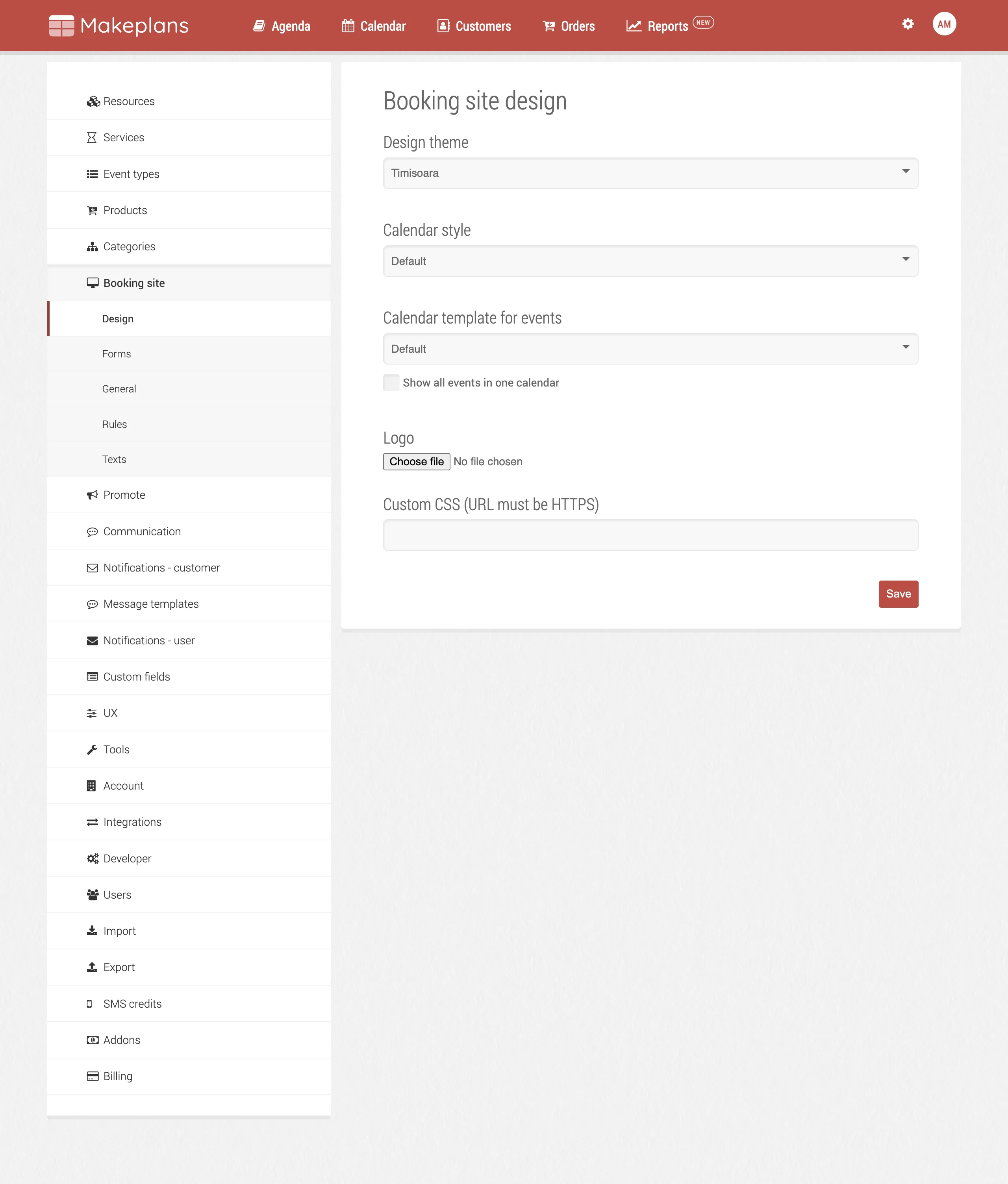
Themes
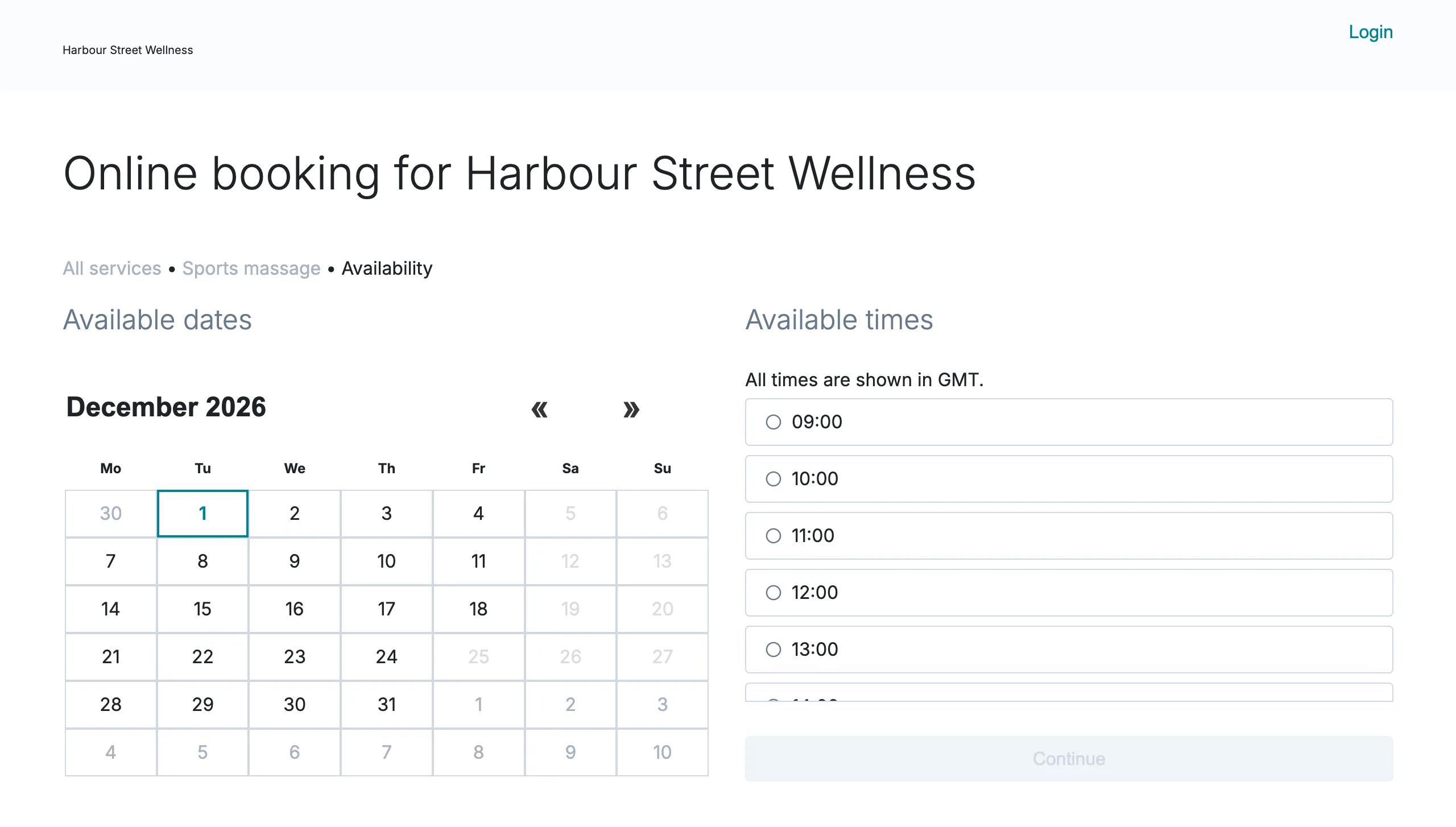
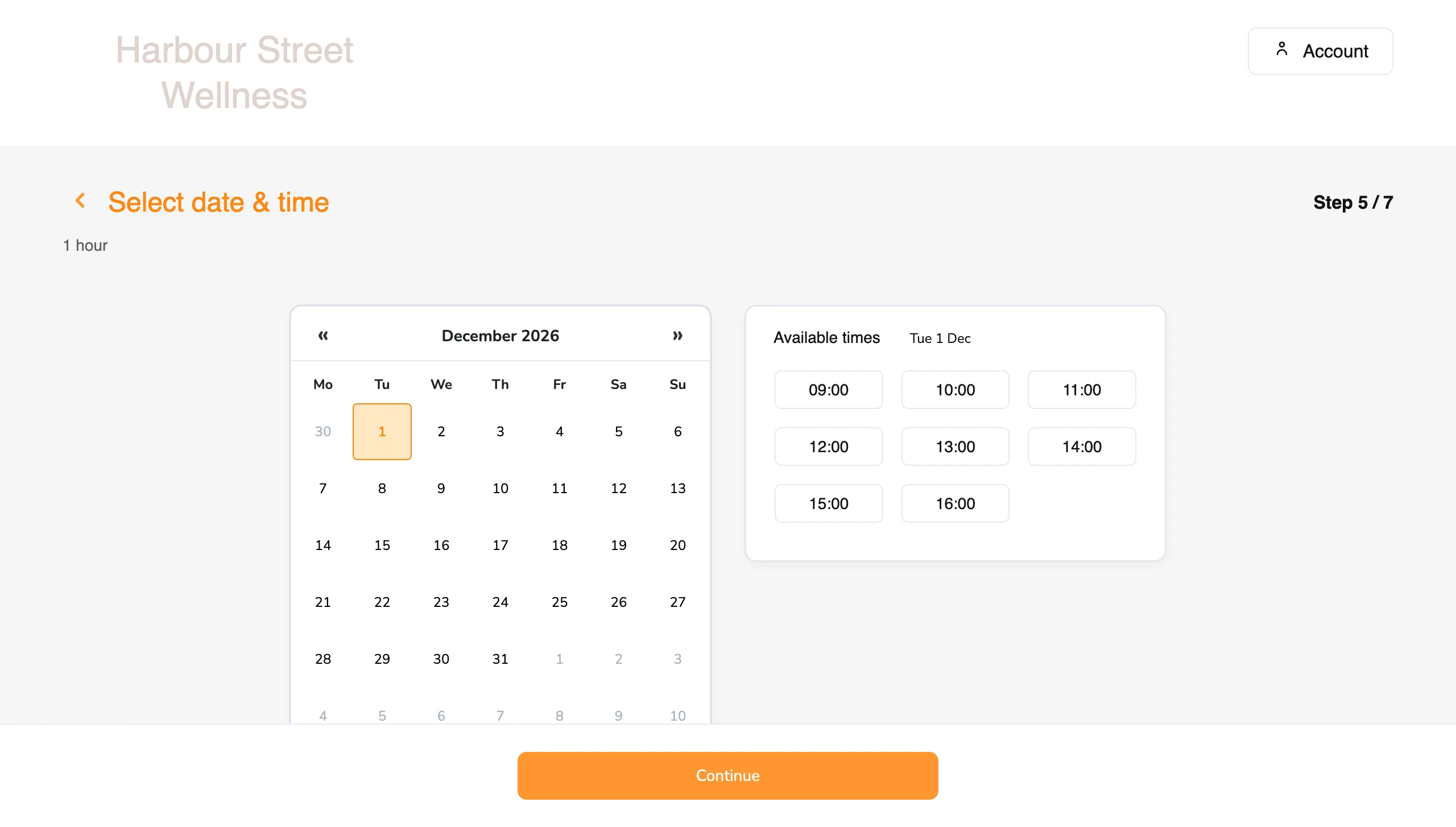
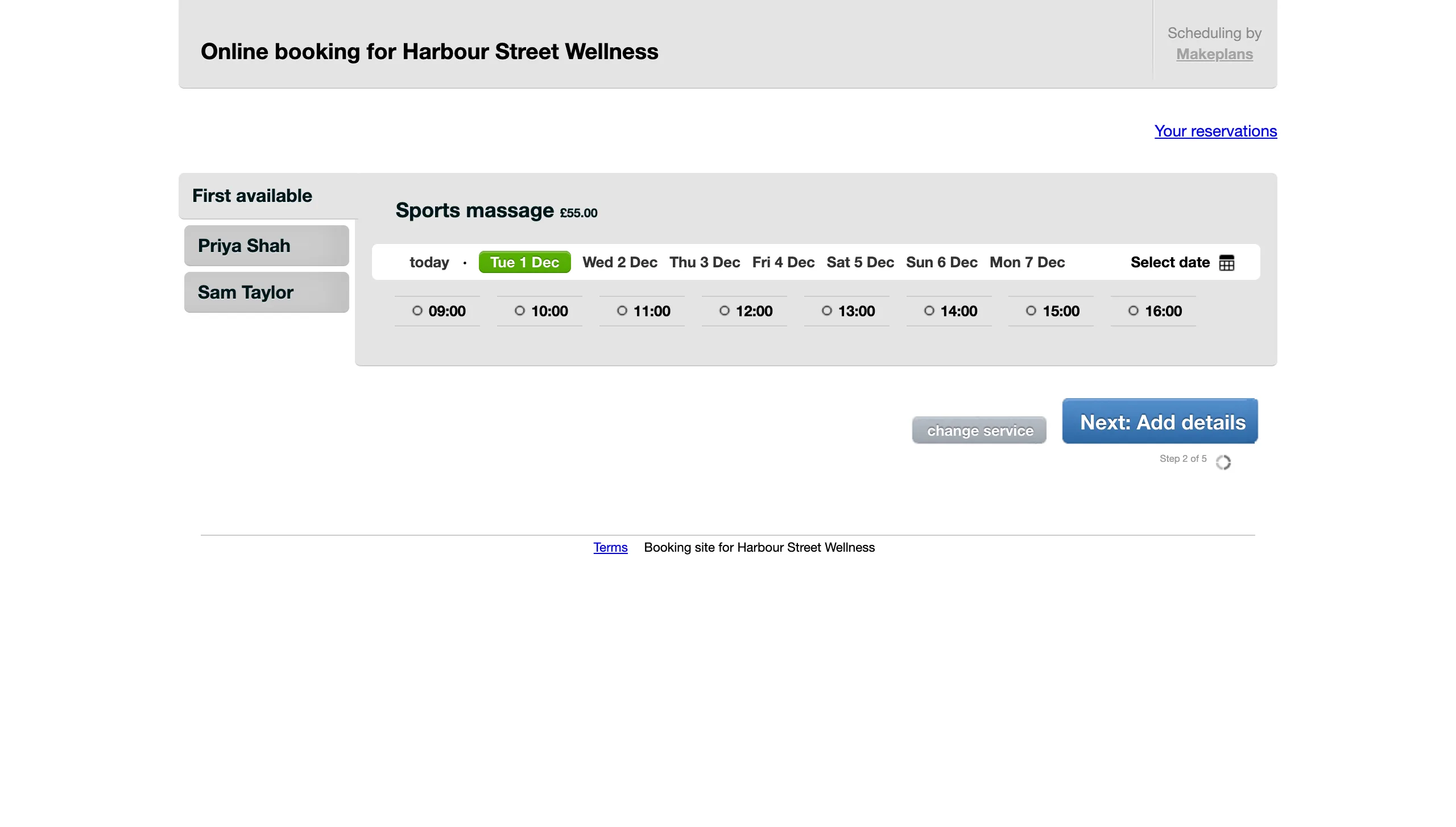
The Design theme decides the look and the steps of your booking site. There are three, each named after the city its designer works in.
| Theme | About |
|---|---|
| Timisoara | Modern design. New accounts start with this theme. |
| Lviv | Modern design that shows one step at a time. |
| Amsterdam | The original theme. It supports every setting. |
Timisoara and Lviv use a newer booking flow in three steps: the customer first identifies themselves with email or phone number, new customers then enter their name and details, and the reservation form comes last. Customers who are logged in go straight to the reservation form. This flow avoids problems for customers who have changed email or phone number.
Timisoara and Lviv do not support everything Amsterdam does. Known limits:
- Choosing a specific resource
- Different layouts for showing availability
- Custom forms
- Some of the additional texts
- Selecting several slots in one reservation
If you rely on one of these, test your booking site after changing theme.
Calendar style
Calendar style sets how dates and times are laid out for services: Default, Month, List, Resources, Weekdays or All week. Calendar template for events does the same for events: Default, List or Week calendar. A service or event type can override this with its own Calendar template.
With the Timisoara theme you can also tick Show all events in one calendar.
Logo
Under Logo, choose an image file and select Save. The logo is shown at the top of the booking site.
Custom CSS
If you know CSS, or have a web developer who does, you can restyle the booking site.
- Write a CSS file and host it yourself. It must be publicly available over HTTPS.
- Enter its address in Custom CSS (URL must be HTTPS).
- Select Save.
View the source of your booking site to see which elements and classes you can target.
<header>and<footer>are on every page. The links to the privacy policy and support cannot be hidden.- The content of each page is inside
<main>. - Each page has its own classes on
<body>. The list of services issection#services, and the list of available slots is onbody.c_services.a_slots.
/* Background colour of available slots */
body.c_services.a_slots .intervals li .interval {
  background-color: green;
}

/* Larger text in the footer on all pages */
footer {
  font-size: 1.4em;
}