
Passes
A pass is a number of reservations the customer pays for in advance, such as a 10-class pass. It can be limited to certain services and to a number of days after it is bought.
Create a pass
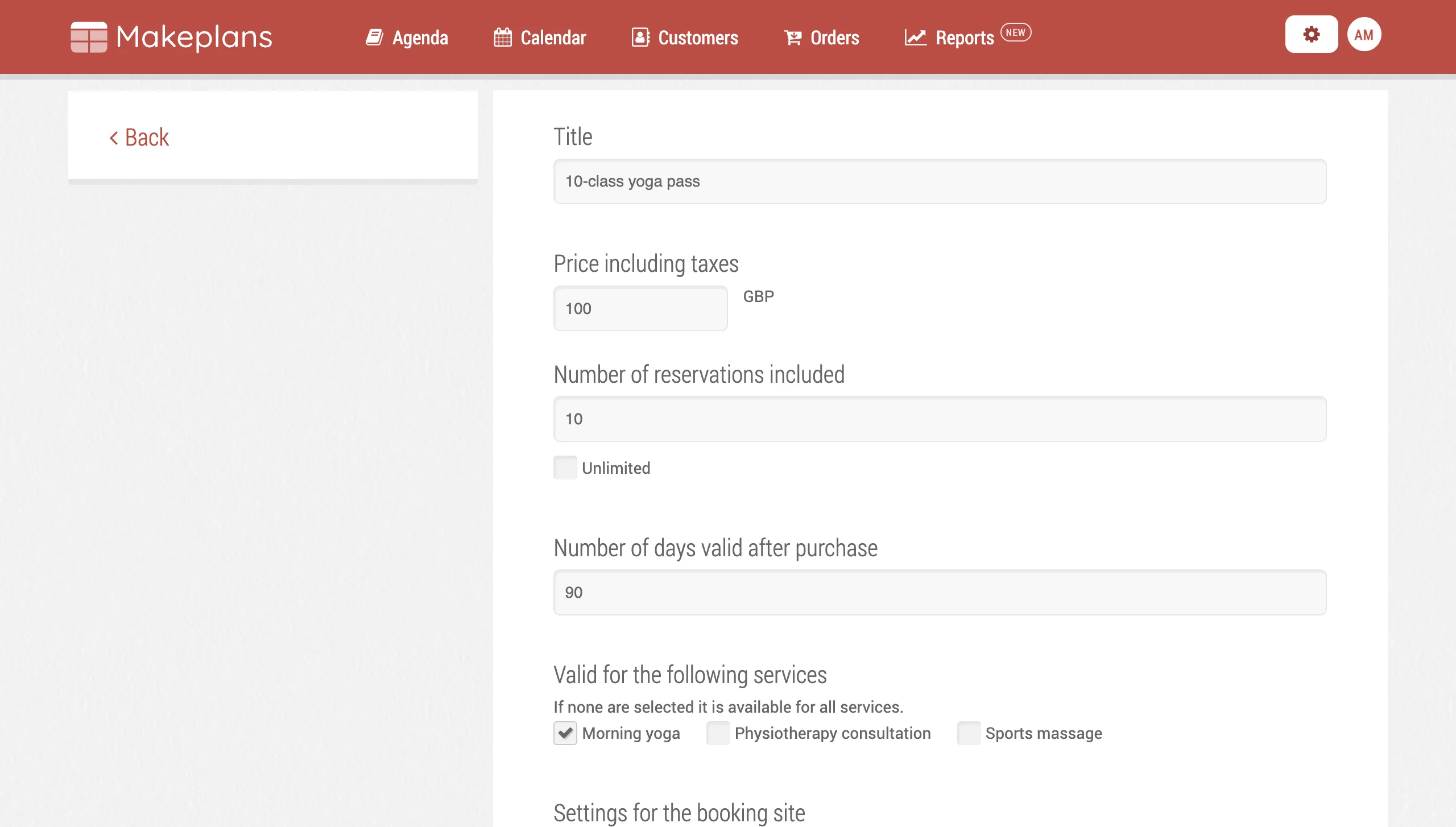
- Open setup and select Products, then Add, then New pass.
- Enter a Title and the Price including taxes.
- Enter the Number of reservations included, or tick Unlimited.
- Enter the Number of days valid after purchase.
- Under Valid for the following services, tick the services and event types the pass can be used for. If you tick none, it is valid for all.
- Save.
What customers see
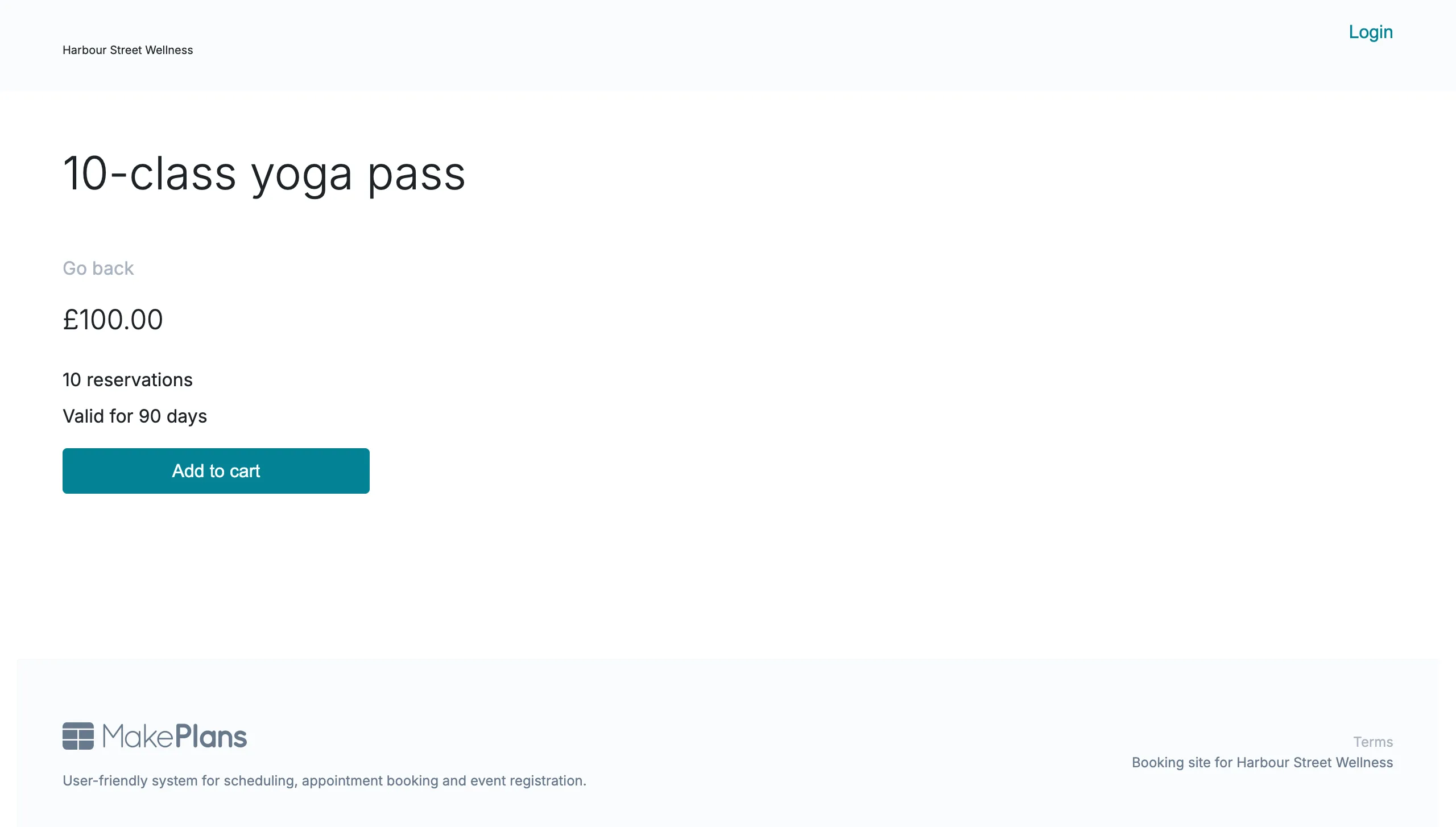
The pass has its own page on the booking site with the price, the number of reservations and how long it is valid. Customers select Add to cart and complete the order.
Keep track
Open Orders in the main menu and select Passes to see the passes your customers hold.