
Account settings
Open setup and select Account. Select Save after your changes.
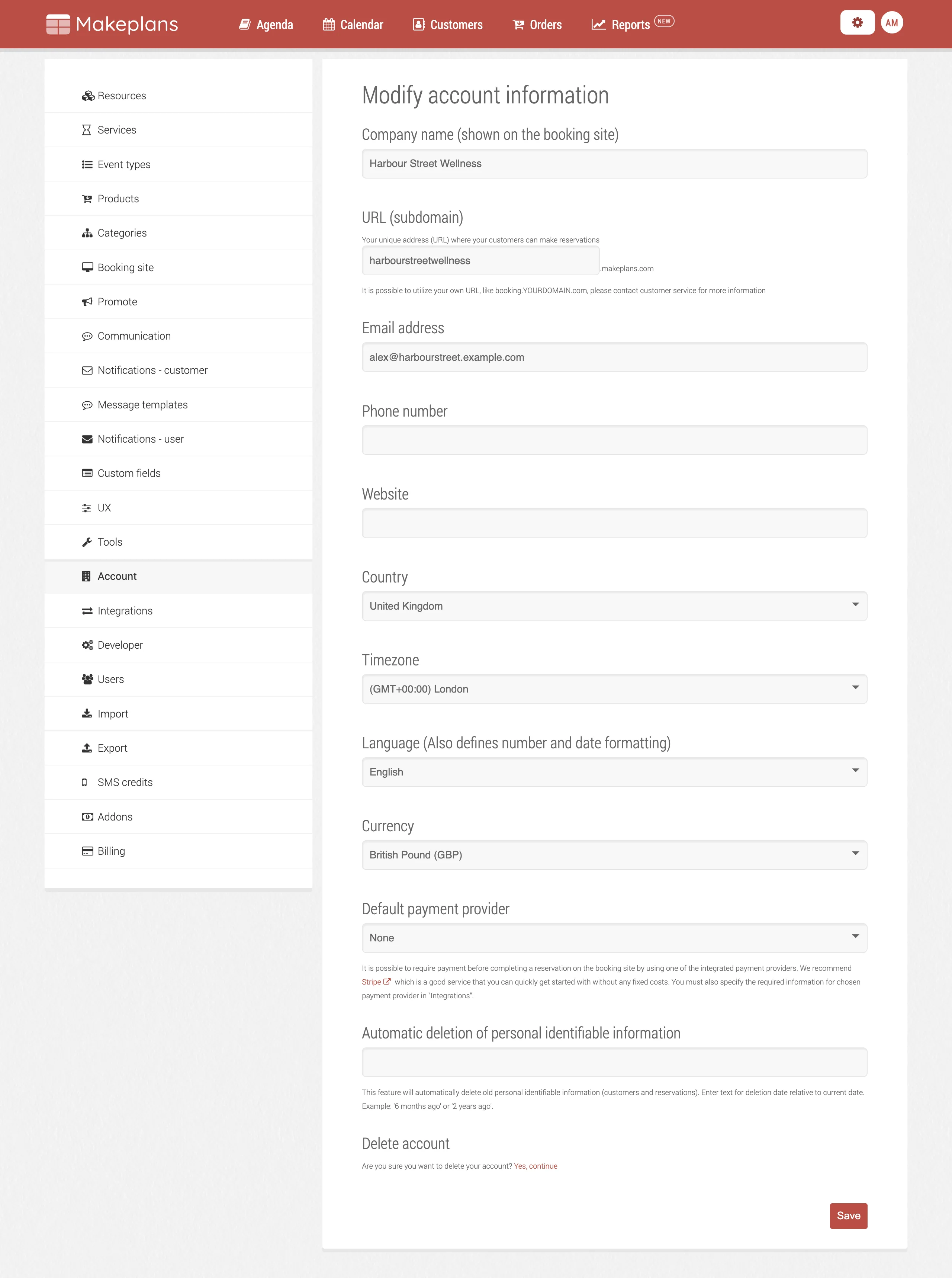
| Field | What it does |
|---|---|
| Company name | Shown on the booking site and in messages. |
| URL (subdomain) | The first part of your booking site address. To use your own domain, see Add-ons. |
| Email address | The account’s email. Customers’ replies to messages go here. |
| Phone number and Website | Your contact details. |
| Country | Decides which public holidays apply and the country code used for phone numbers without one. |
| Timezone | The time zone of all your opening hours and reservations. |
| Language | The language of the admin. It also decides how dates and numbers are written. The booking site follows it unless you choose another there. See Languages. |
| Currency | The currency of your prices. |
| Default payment provider | The provider used when customers pay. See Payments and sales. |
| Automatic deletion of personal identifiable information | See Delete old data. |
Time zone
The booking site shows all times in your account’s time zone, not in the visitor’s. If you have customers in other time zones, say which time zone applies in the footer of the booking site.
WARNING
Changing the time zone affects the times of the reservations you already have. To move an account to another time zone, open setup and select Tools, then Change time zone. It updates the times of all reservations and messages. Contact support first if you are unsure.