
See your reservations
- Open the booking site of the business and select Login in the top right corner.
- Enter your email address or mobile number, then the code you receive.
- My reservations lists your upcoming reservations. Select All, Completed or Cancelled to see others.
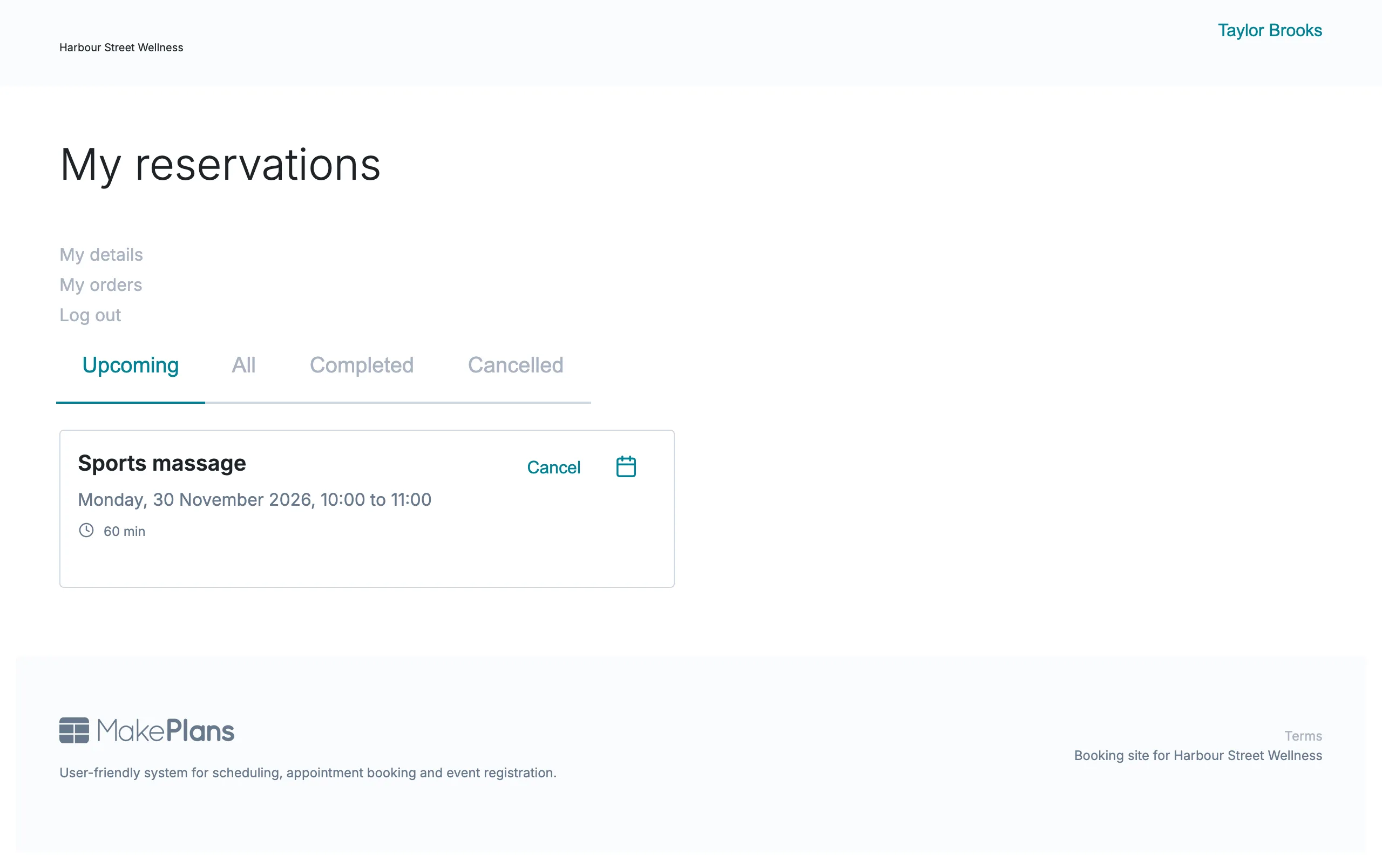
From here you can also:
- select a reservation to see its details
- select My details to change your name and contact details
- select My orders to see things you have bought
- select Log out
You have a separate login for each business you book with.