
Show reservations in other calendars
With an iCalendar feed, your reservations show up in the calendar app you already use, such as Google Calendar, Apple Calendar or Outlook.
The feed is one-way and read-only. You see your MakePlans reservations in the other calendar, but changes must be made in MakePlans, and appointments in the other calendar do not block times in MakePlans.
A feed for one resource
- Open setup, select Resources and select the name of the resource.
- Under iCalendar-feed, select Activate iCalendar-feed.
- Copy the address that is shown.
A feed for the whole account
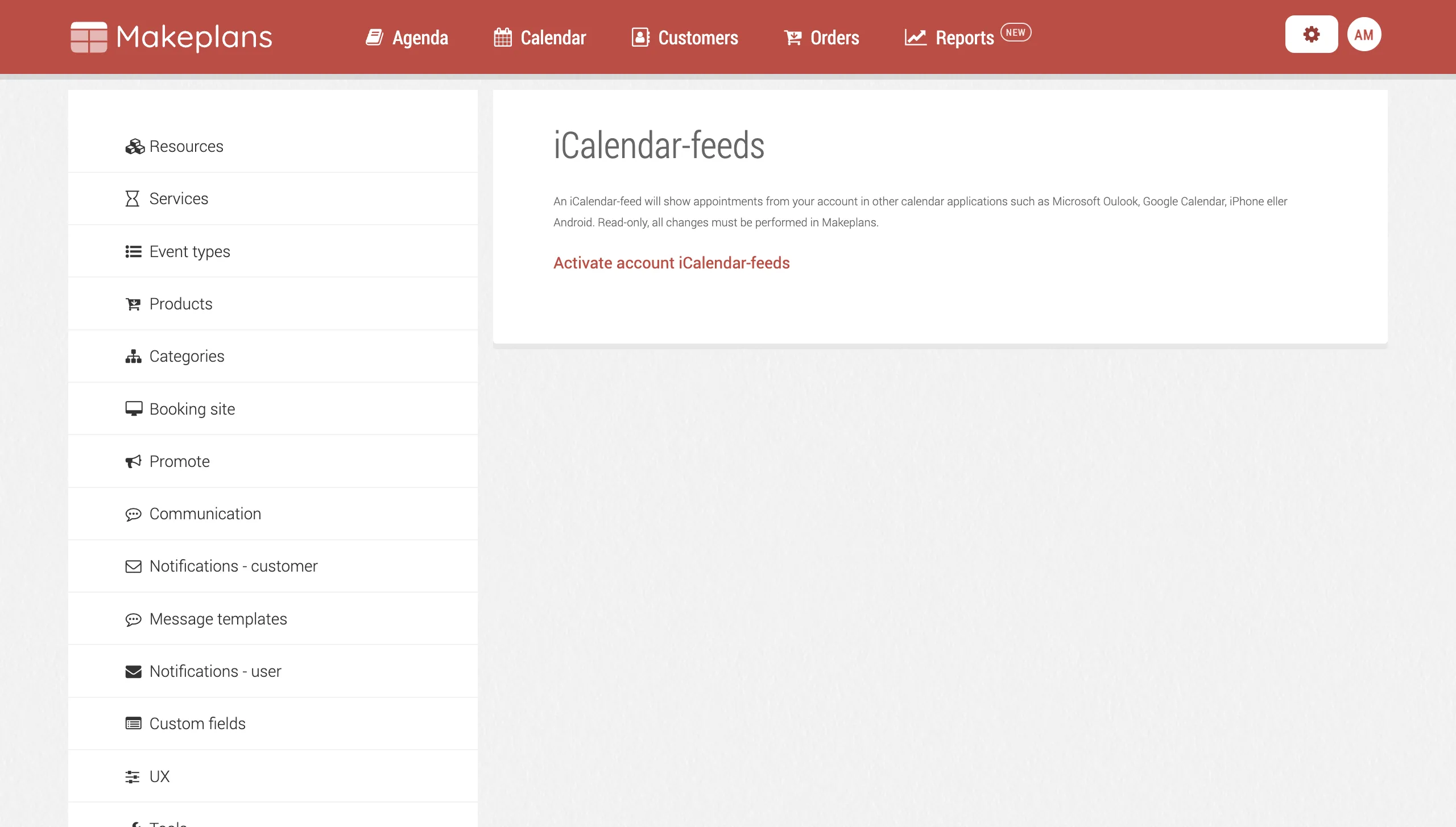
- Open setup and select Tools, then iCalendar-feeds.
- Select Activate account iCalendar-feeds.
- Copy the address.
Add the feed to your calendar
In your calendar app, add a new calendar from an address (often called “subscribe” or “from URL”) and paste the address of the feed.
WARNING
The address contains the key to the reservations. Anyone who has it can read them, so do not share it.
Limits
- The feed contains upcoming reservations only, at most 200.
- The calendar app decides how often it fetches the feed. Some, such as Google Calendar, do it rarely, so new and changed reservations can take a long time to appear. Some apps let you refresh by hand.