
Room display
A room display is a public page for one resource. It shows whether the room is in use and which reservations are coming up. It suits a tablet mounted outside a meeting room.
Set it up
- Open setup, select Resources and select the name of the resource.
- Under Room display, select Enable room display.
- Open the Room display link in a browser on the screen outside the room.
- Back in the admin, select Generate setup code.
- Enter the code on the screen.
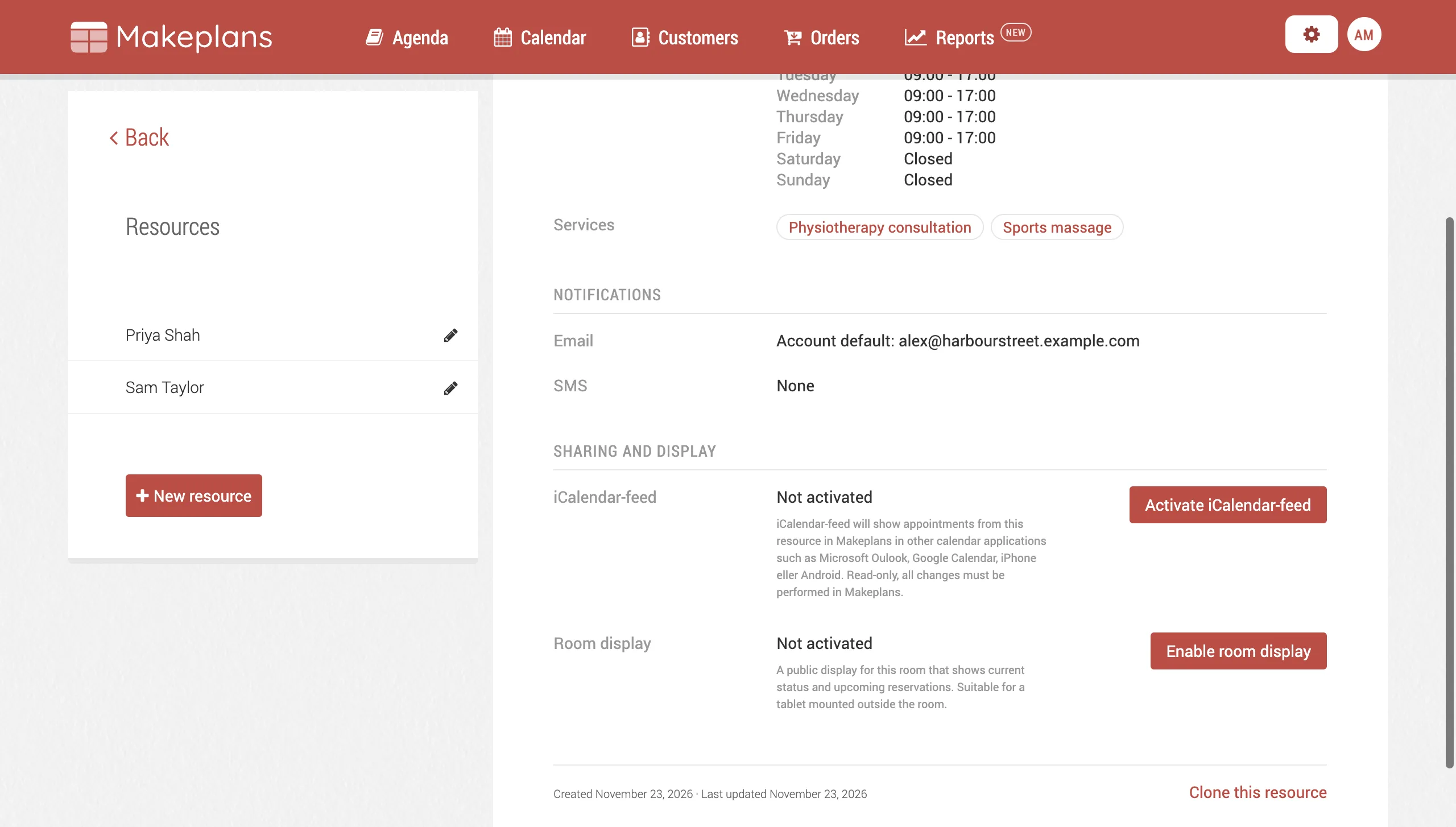
The screen now shows the calendar and the reservations for the room.
WARNING
The setup saves an access key in the browser on the screen. Anyone who can get at that device could copy the key and read the reservations for the room, including personal data about customers. Place the screen where it cannot be tampered with.