
Create your account
Signing up takes a few minutes. You get a 14 day free trial and do not need a credit card. A wizard then helps you add your first services and resources, and your booking site is live when it finishes.
Sign up
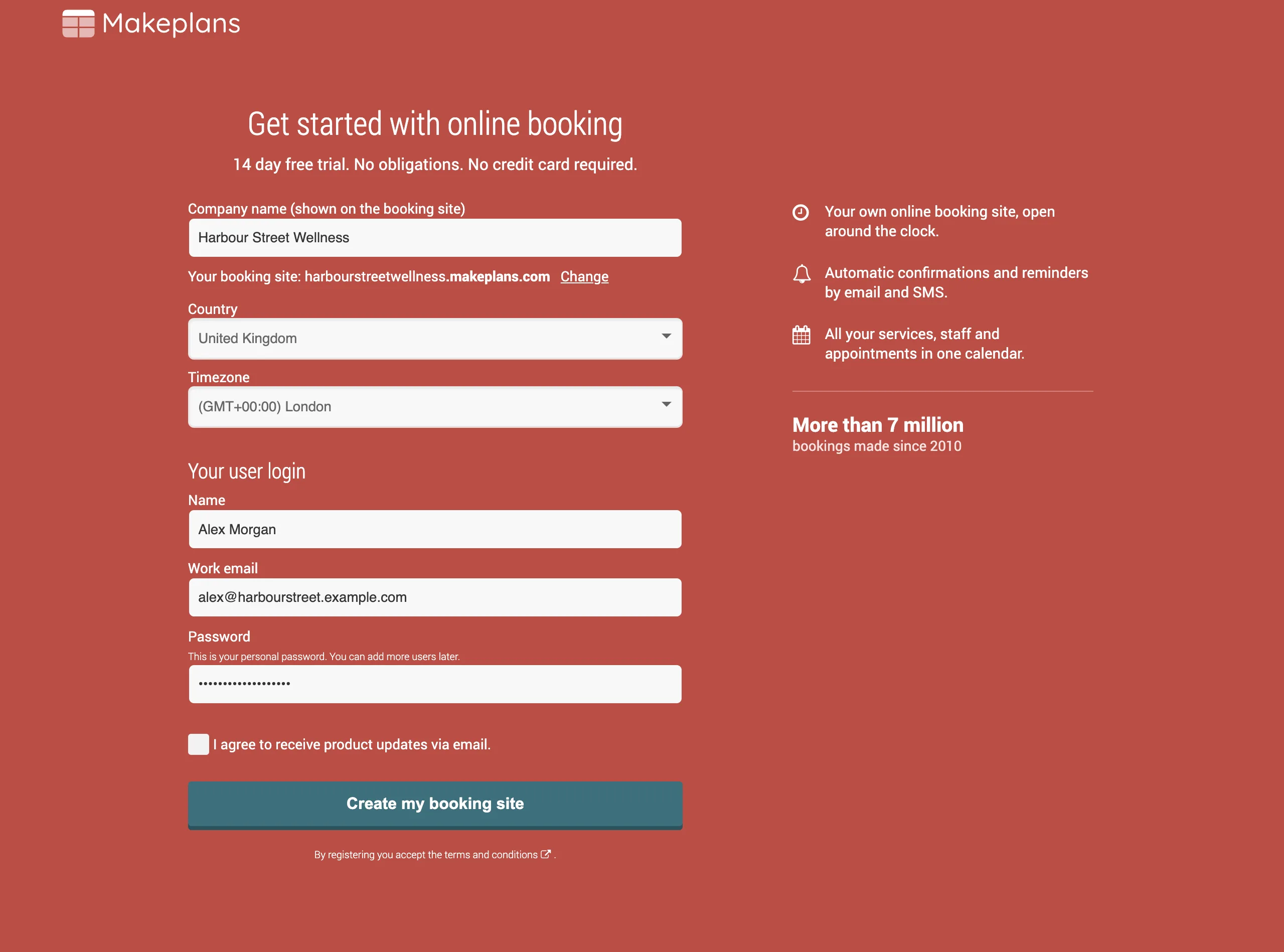
- Go to app.makeplans.com and enter your Company name. Customers see this name on the booking site.
- Check the address shown under Your booking site. It is made from your company name. Select Change to pick a different one.
- Check the country and timezone shown below. Select Change if they are wrong. Opening hours and reservation times use this timezone.
- Under Your user login, enter your Name, Work email and a Password. This login is personal. You can add more users later.
- Select Create my booking site.
Choose what customers book
The wizard asks what kind of services you offer.
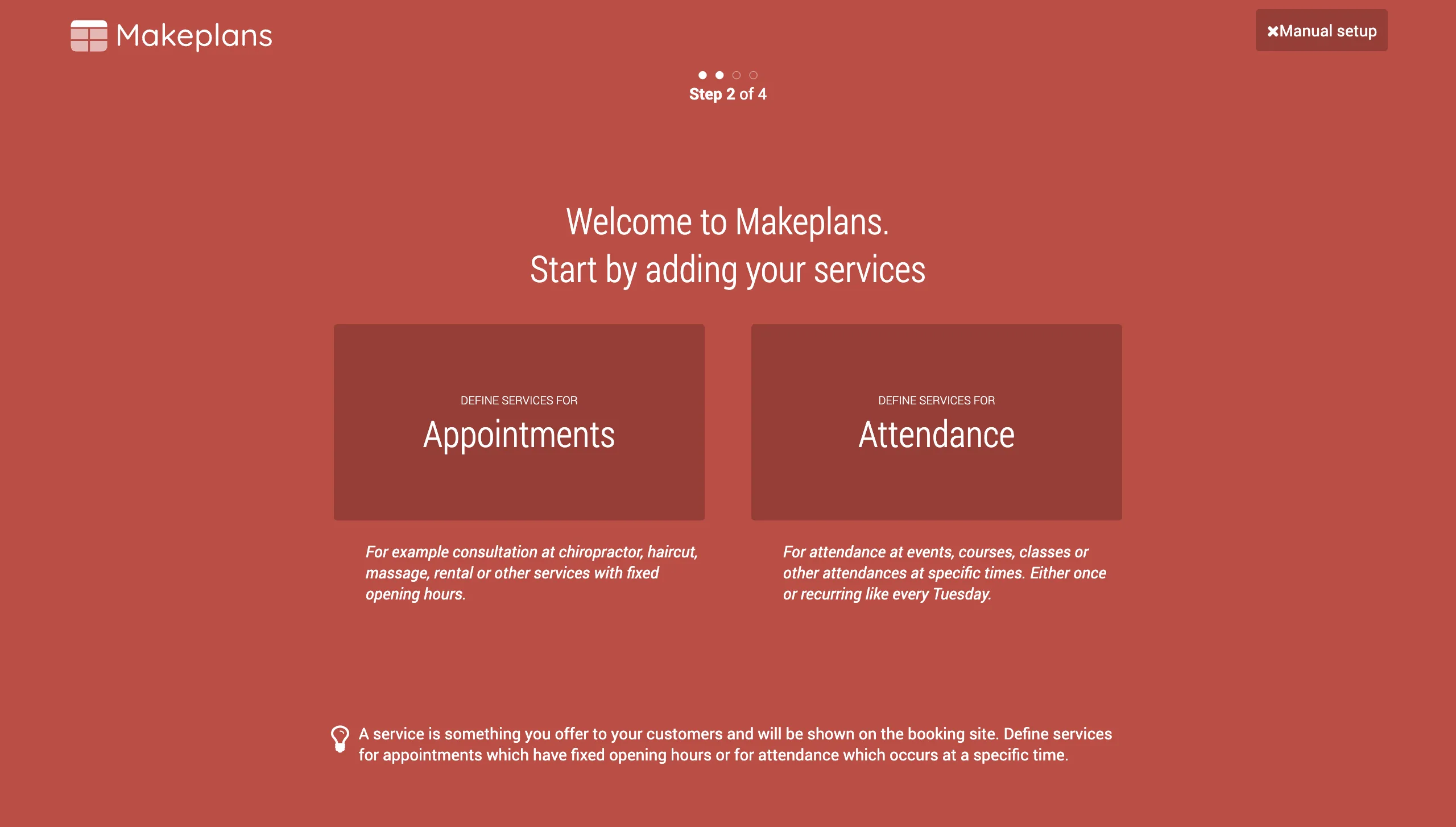
- Appointments: services with a fixed duration that customers book inside your opening hours, such as a consultation, haircut, massage or rental.
- Attendance: events, courses and classes that happen at specific times, once or repeating.
Pick the one that fits most of what you do. You can add the other kind later. The rest of this page follows Appointments.
TIP
Select Manual setup in the top right corner to skip the wizard and set everything up yourself.
Add your services
- Enter a Title and a Duration in minutes for your first service.
- Select Add another for each additional service.
- Select Continue.
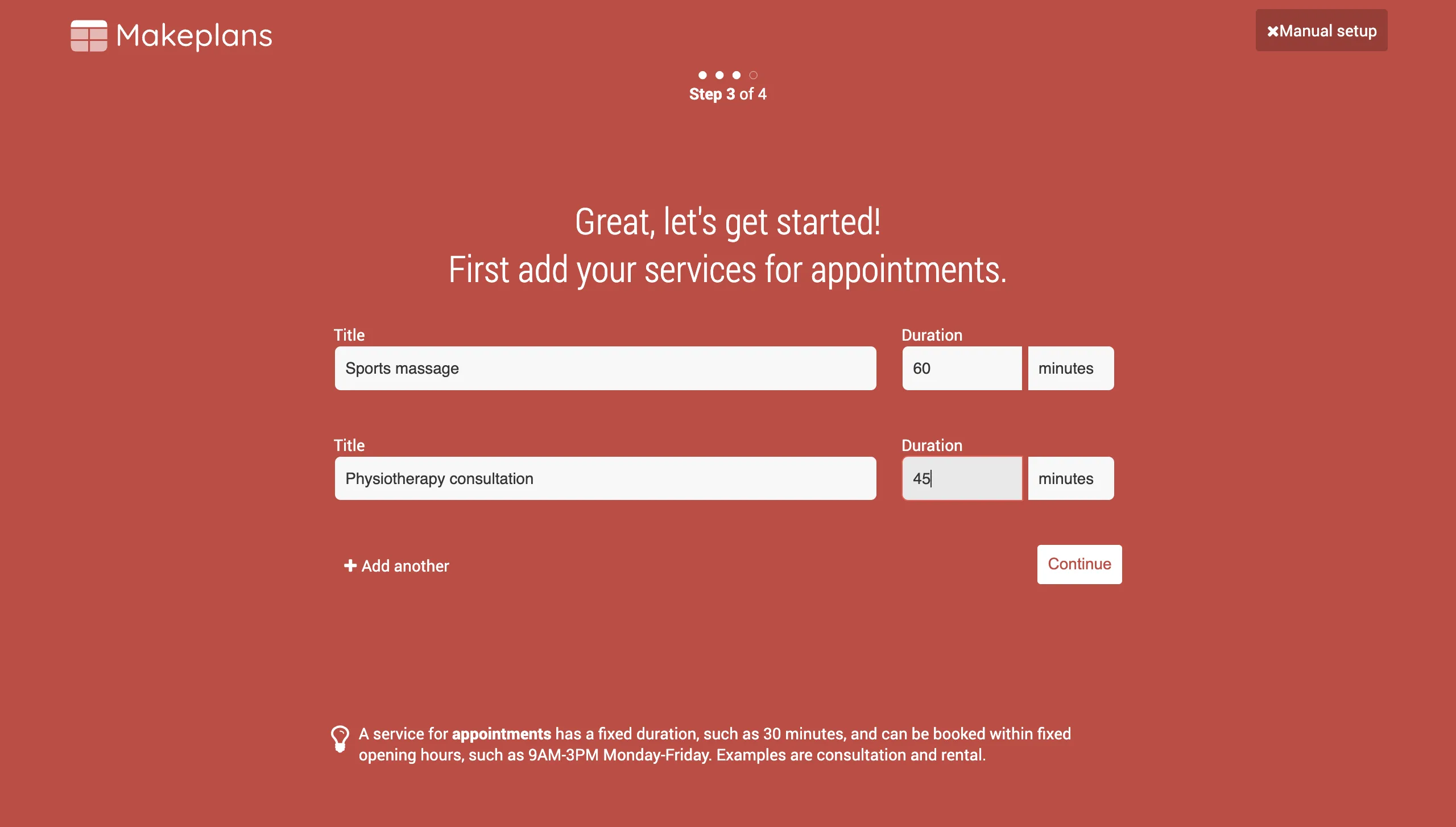
Title and duration are enough for now. Price and other settings come later.
Add your resources
A resource is an employee, a room or an object that can be booked.
- Enter a Title, such as the employee’s name.
- Select Add another for each additional resource.
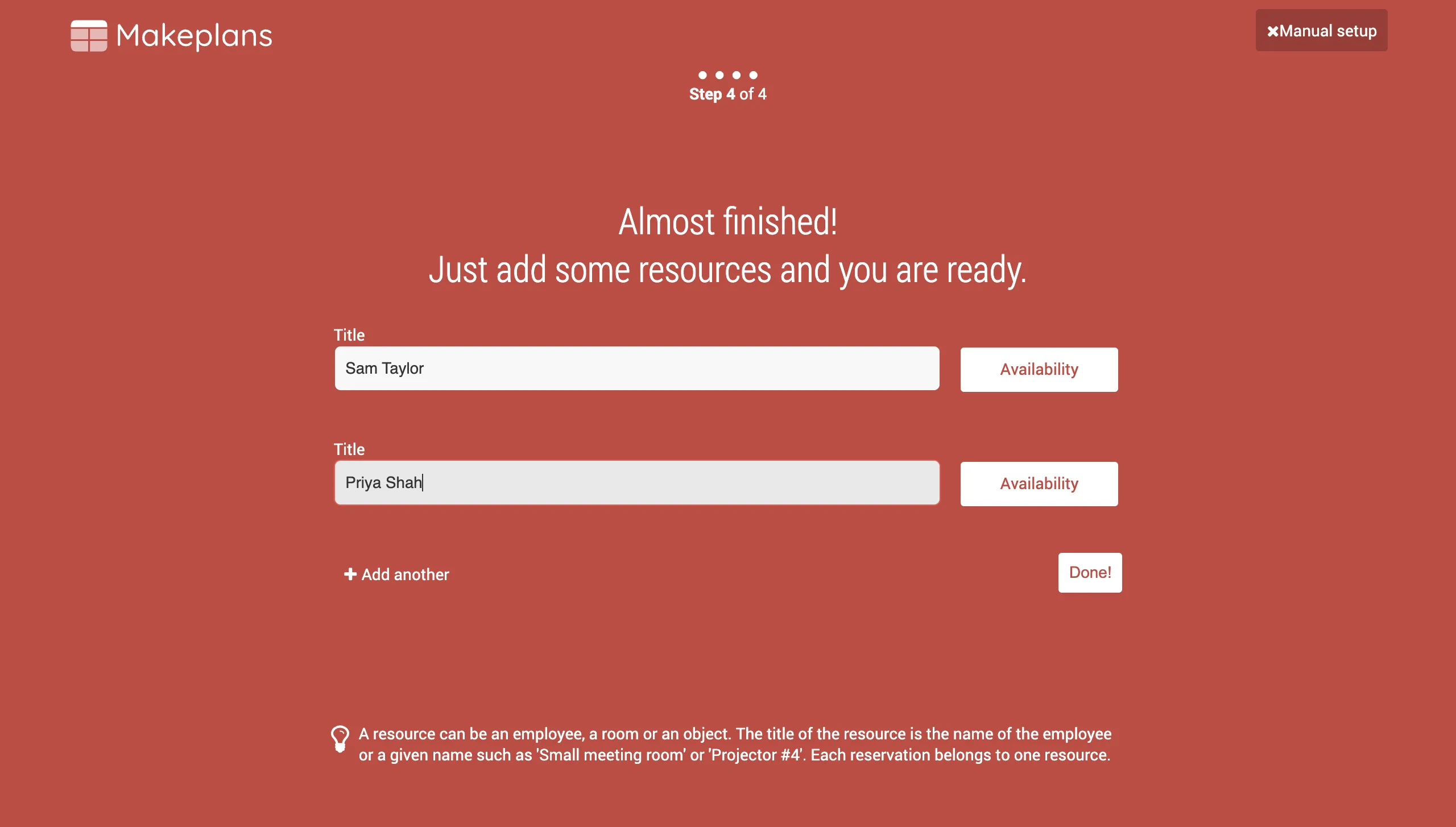
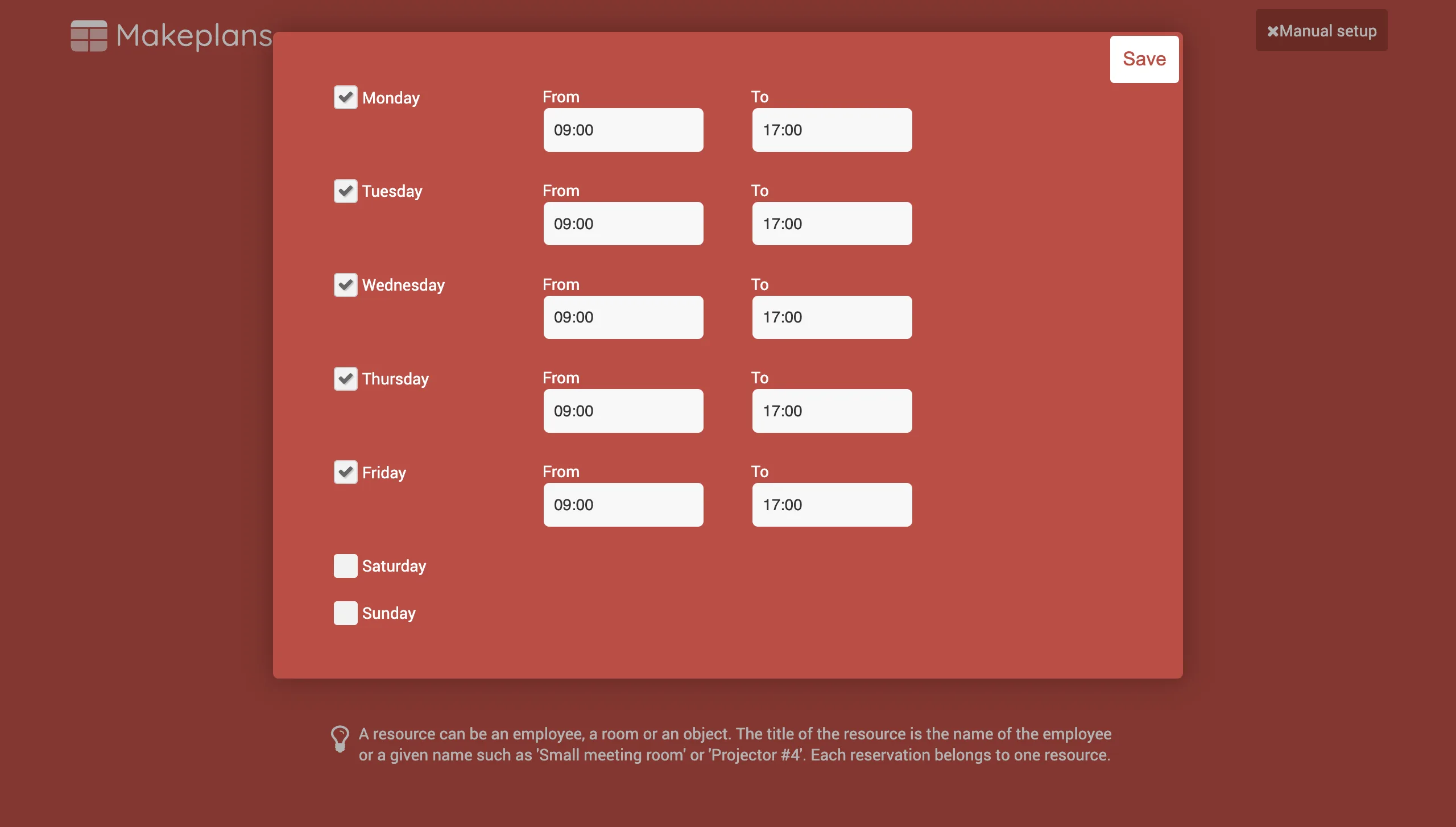
- Select Availability next to a resource to see when it can be booked. New resources are open Monday to Friday, 09:00 to 17:00. Change the days and times if needed and select Save.
- Select Done!
Your booking site is live
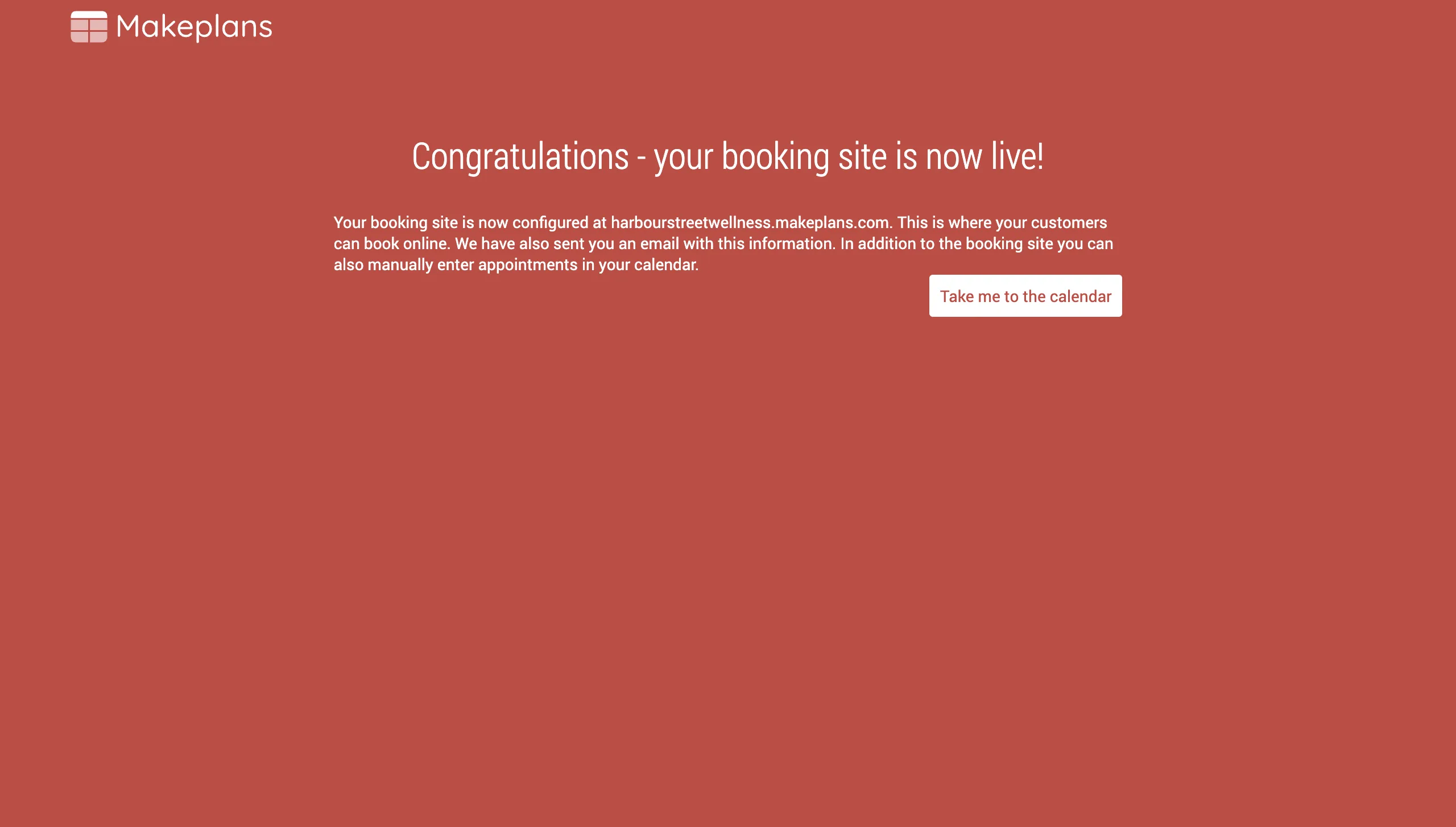
The last page confirms that your booking site is live and shows its address. You also receive an email with the address. Select Take me to the calendar to open the admin.
Every resource you added offers every service you added. You can change this, and everything else from the wizard, at any time.