
Reservation form and registration form
Open setup and select Booking site, then Forms.
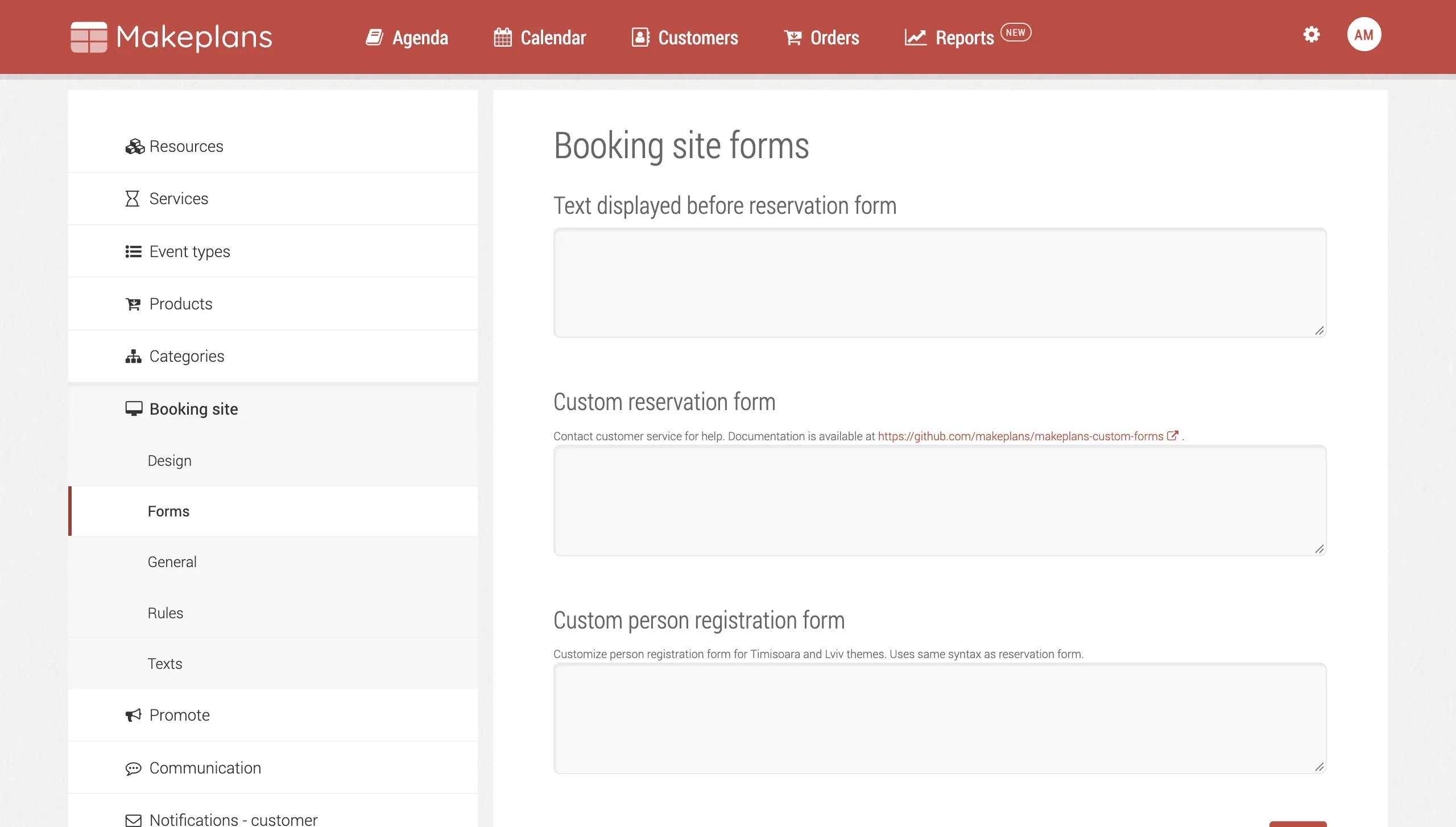
| Field | What it does |
|---|---|
| Text displayed before reservation form | A message shown above the form, such as what to bring. |
| Custom reservation form | Replaces the standard reservation form with your own fields. |
| Custom person registration form | Changes the form new customers fill in with their name and contact details. For the Timisoara and Lviv themes. |
The two forms are written as short lines of code, one per field. See Custom fields for how to write them, or contact support for help.
A service can have its own reservation form. Edit the service and fill in Show custom reservation form.
INFO
A field you add to the reservation form must also be added in setup under Custom fields, so that you can see the answers in the admin.