
Cancellation by customers
Customers can cancel their own reservations on the booking site. On a new account they can do so until 24 hours before the reservation starts.
Change the rules
- Open setup and select Booking site, then Rules.
- Tick or clear Allow cancellations by customer.
- Set the Cancellation period, written in plain English and counted from the start of the reservation. For example,
2 days beforelets customers cancel until two days before. Leave it empty to allow cancellation right up to the start. - Select Save.
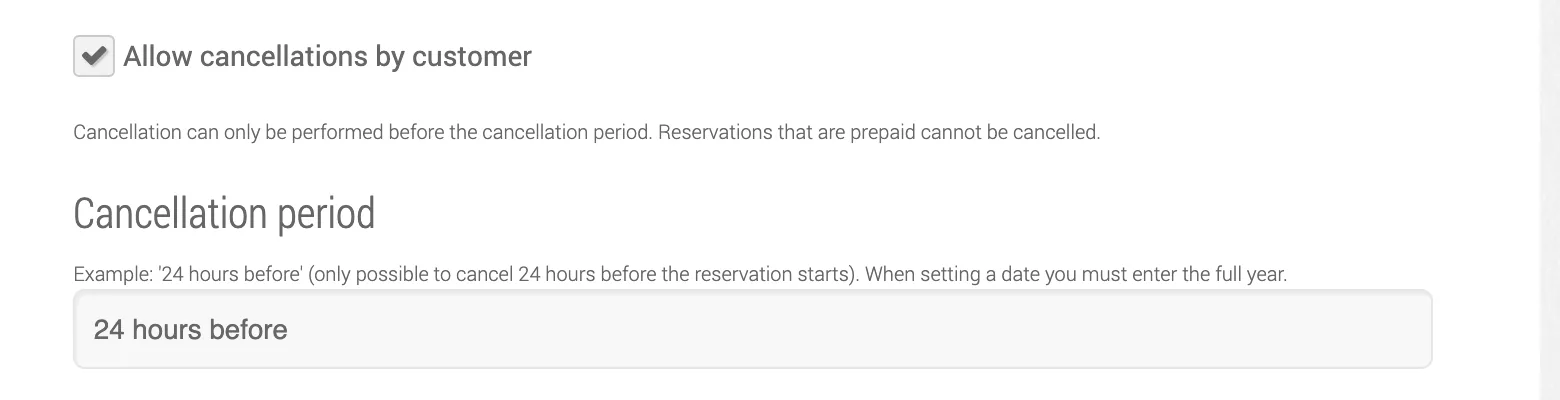
Reservations that are paid in advance cannot be cancelled by the customer.
Different rules for one service or event
On a service, an event type or a single event you can override both settings. Set Allow cancellations by customer to Enabled or Disabled and enter a Cancellation period.
How customers cancel
Customers open the reservation from their confirmation or from My reservations on the booking site and select Cancel reservation. You receive a notification when a customer cancels.