
Promote: link, button and QR code
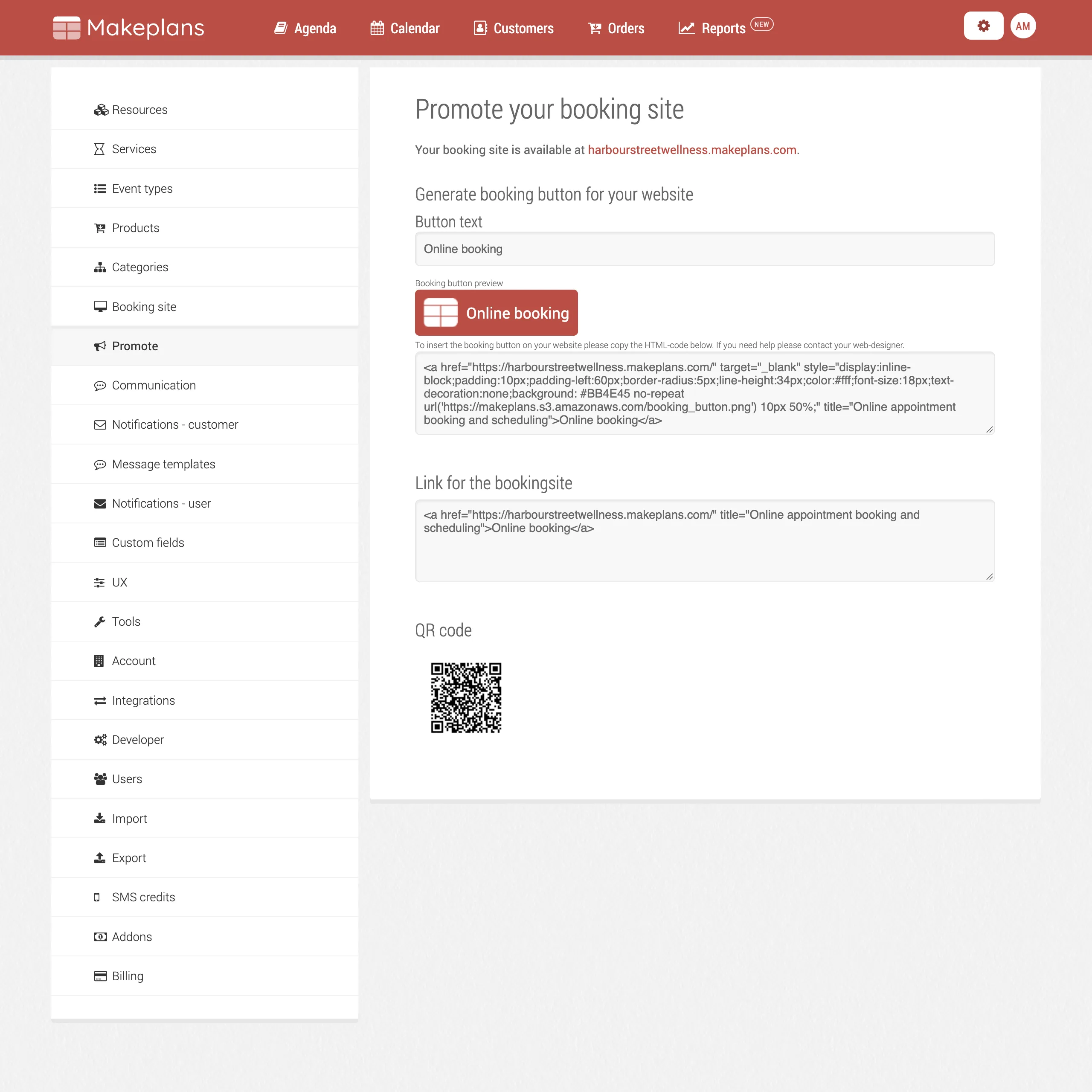
Open setup and select Promote. The page shows the address of your booking site and three ways to share it.
| Use it for | |
|---|---|
| Generate booking button for your website | A ready-made button. Change the Button text, then copy the HTML code into your website. |
| Link for the bookingsite | A plain text link as HTML. |
| QR code | Posters, flyers and signs. Customers scan it with their phone camera. |
Link to one service, event or category
You do not have to link to the front page of the booking site.
- A service: open the service in setup and copy Open service on booking site.
- An event: open the event and copy the Signup link.
- A category: open the category in setup and copy Open category on booking site.
Each of these pages also has its own QR code.
Book now button on Facebook
- Go to your Facebook page and select + Add a button.
- Open Book services and select Book Now.
- Select Link to website.
- Paste the address of your booking site and continue.