
General settings
Open setup and select Booking site, then General. Select Save after each change.
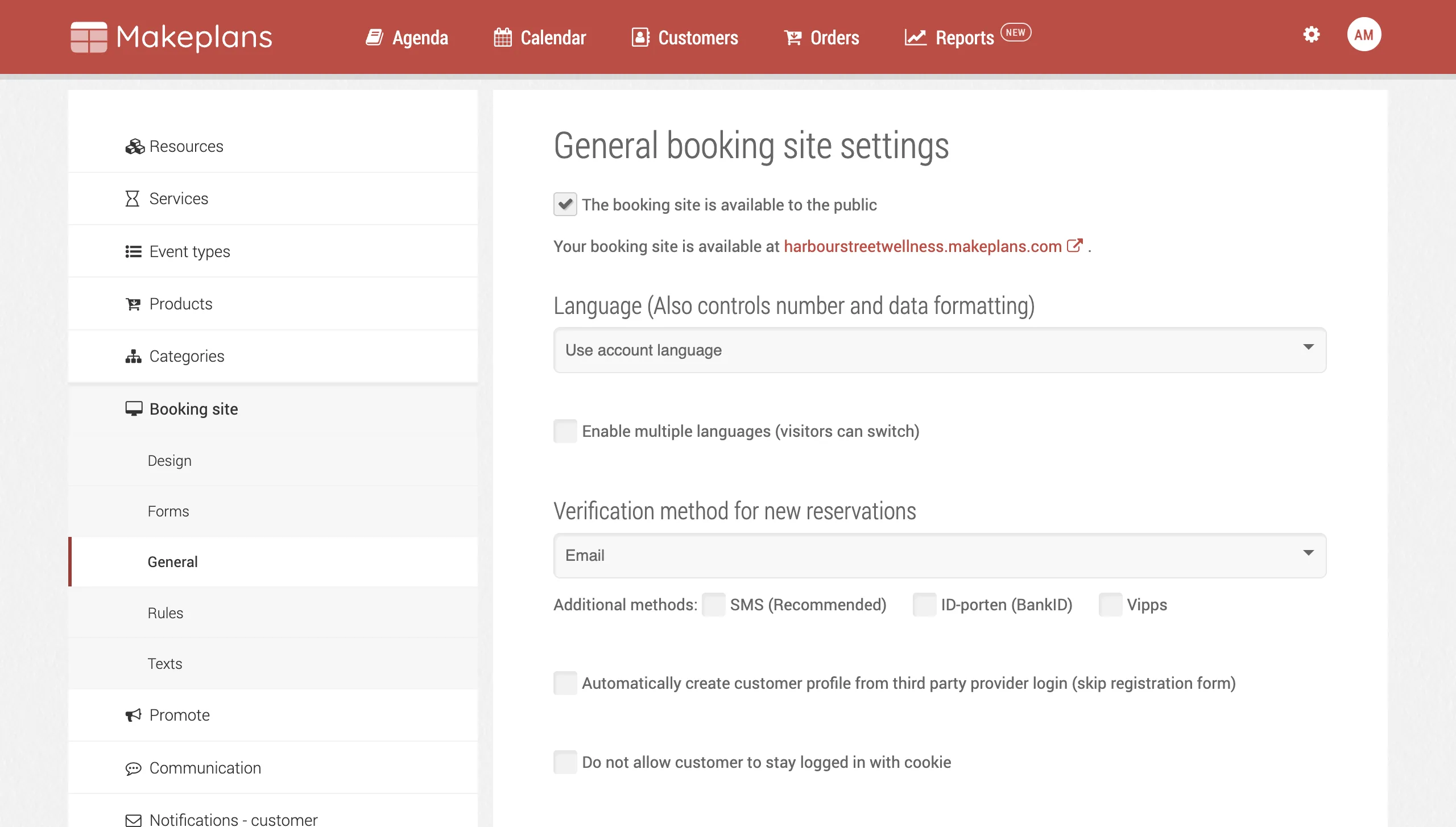
| Setting | What it does |
|---|---|
| The booking site is available to the public | Clear this to close the booking site, for example while you set it up or during a break. |
| Language | The language customers see. See Languages. |
| Enable multiple languages (visitors can switch) | Lets customers choose language on the booking site. See Languages. |
| Verification method for new reservations | How customers confirm who they are. See Verification. |
| Automatically create customer profile from third party provider login | With verification through a provider such as Vipps or BankID, creates the customer profile from the provider’s details and skips the registration form. |
| Do not allow customer to stay logged in with cookie | Customers must verify themselves on every visit. Use it when customers book from shared computers. |
| Only allow reservations from existing customers | Only people who already have a customer profile can book. New visitors cannot register. |
| Visiting address | Your address, shown to customers. |
| Google Analytics tracking ID | Adds Google Analytics to the booking site. |
| Google Tag Manager container ID | Adds Google Tag Manager to the booking site. |
| Enable Plausible Analytics | Adds Plausible Analytics to the booking site. |