
Webhooks
A webhook sends a message to an address in your own system when something happens in MakePlans, such as a new reservation. It is meant for developers.
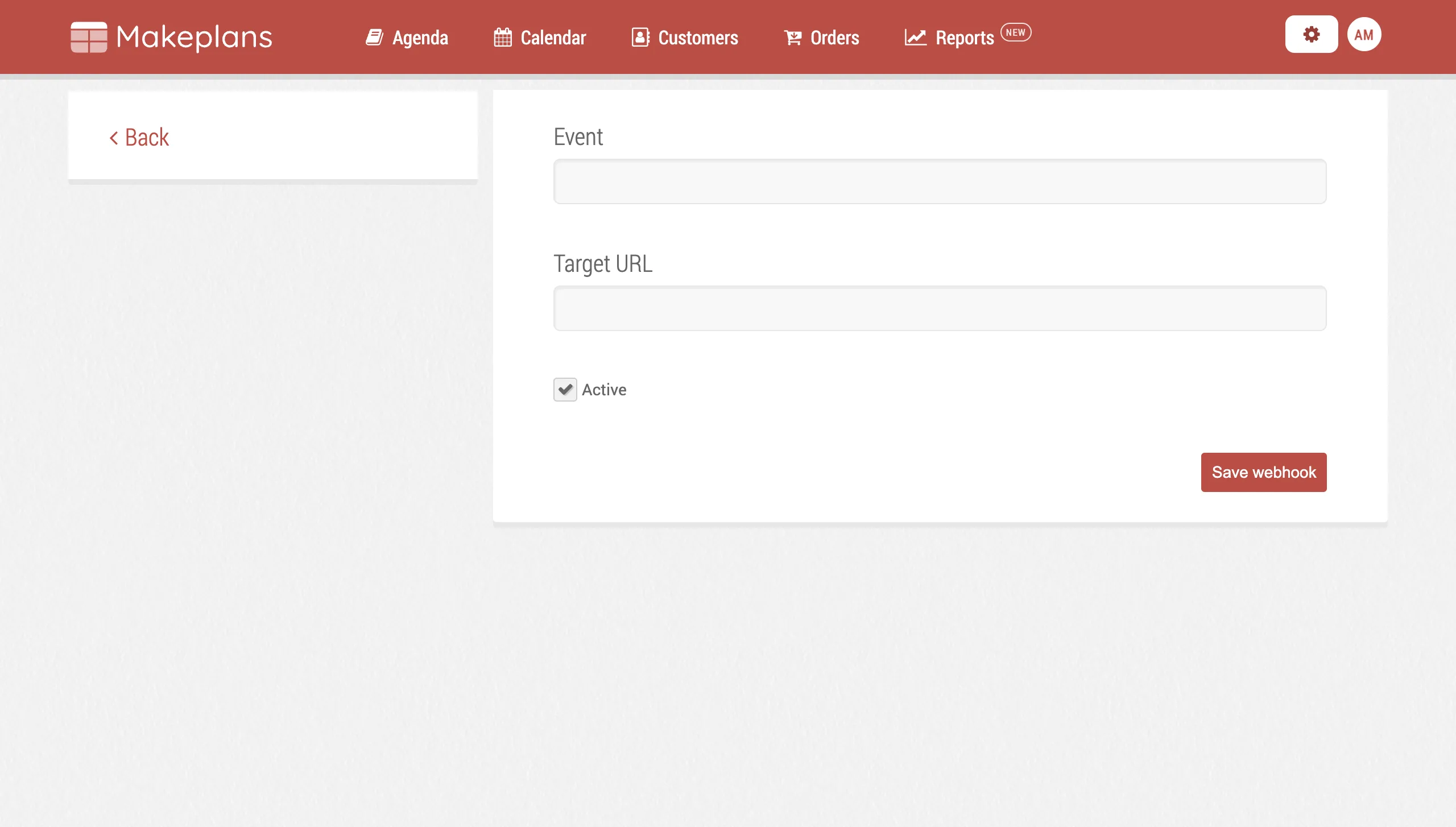
Add a webhook
- Open setup and select Developer, then Webhooks.
- Select New webhook.
- Enter the Event and the Target URL.
- Keep Active ticked and select Save webhook.
Verify that a message comes from MakePlans
The Account secret on the Webhooks page is used to verify incoming messages. Treat it like a password.
The events you can use and how to verify messages are described at developer.makeplans.com.